Step 1. Plug in your Gateway
Connect the Sproutlink Gateway to a USB-C power source. The OLED screen will light up and display a WiFi network name.
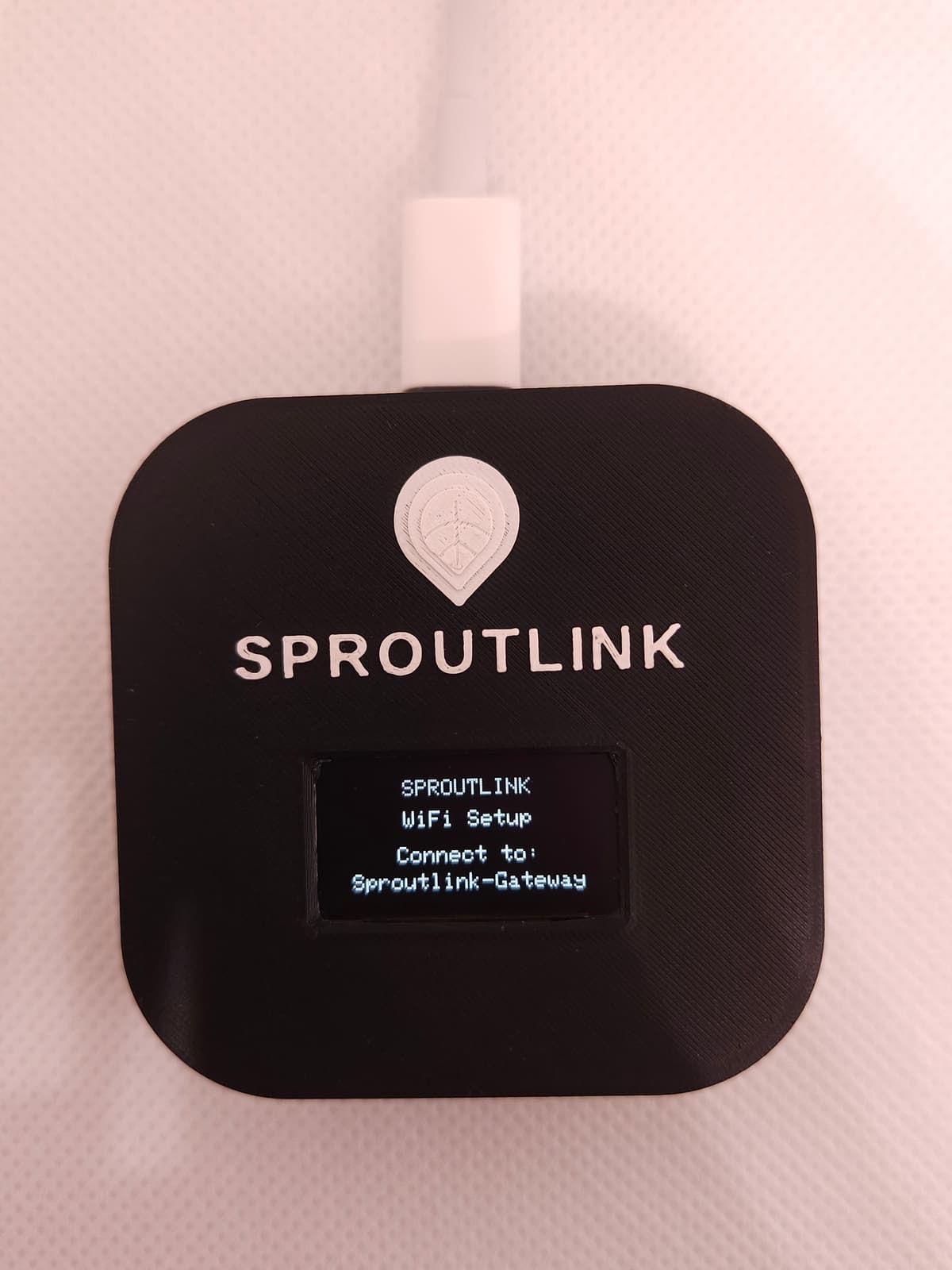
Step 2. Connect to the Gateway WiFi
On your phone, open Settings > WiFi and connect to the network shown on the gateway screen (e.g., "Sproutlink-XXXX"). A setup portal will open automatically.
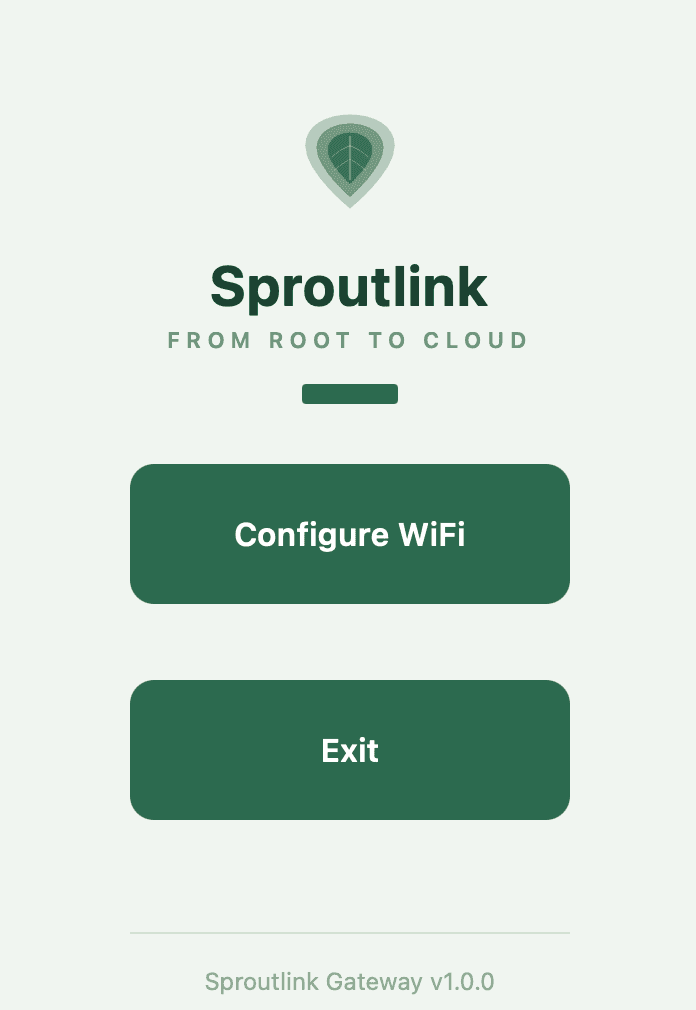
Step 3. Connect your home WiFi
In the setup portal, select your home WiFi network and enter the password. The gateway will restart and connect to the internet.
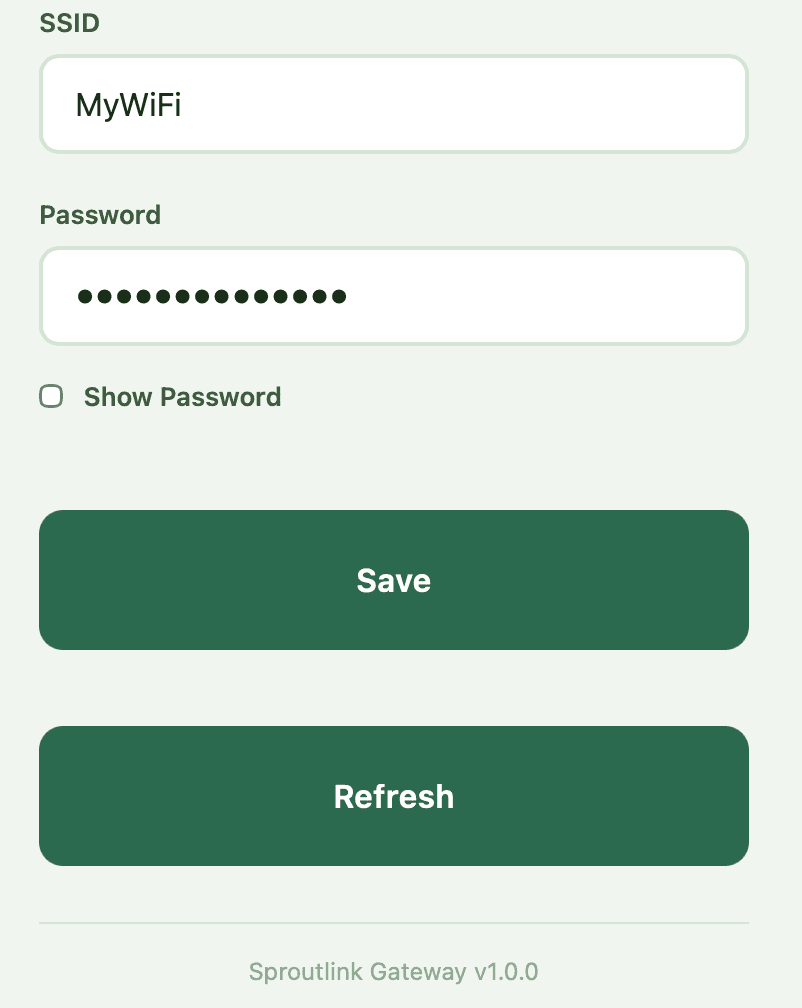
Step 4. Scan the sensor QR code
Find the QR code on the back of your Sproutlink sensor. Open your phone's camera app and point it at the QR code. Tap the notification that appears.
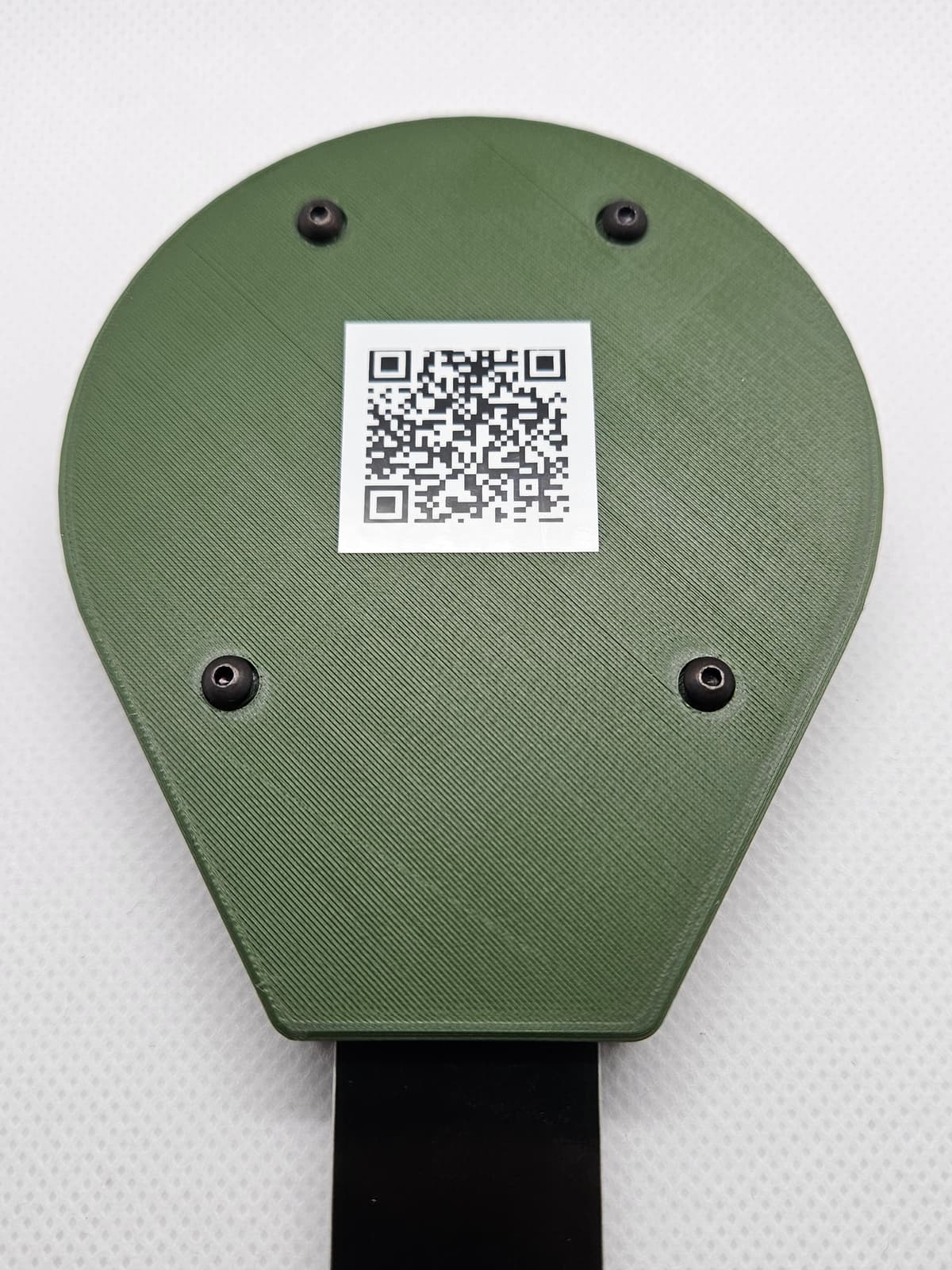
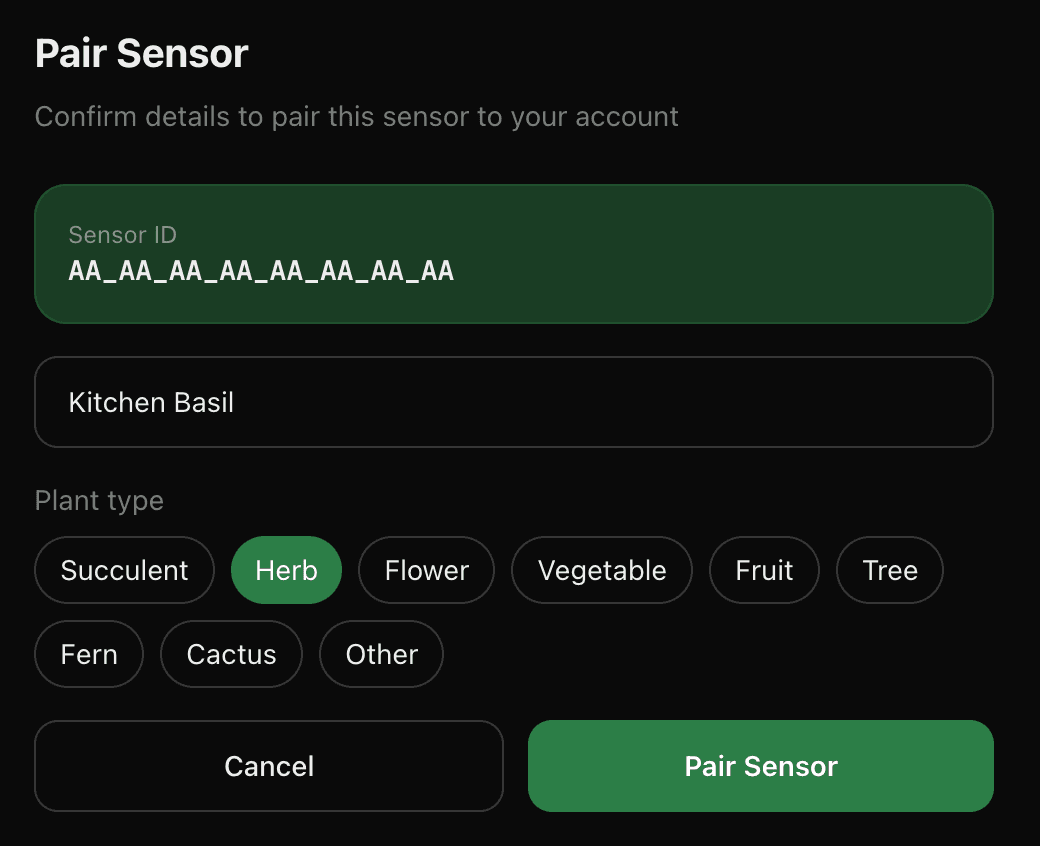
Step 5. Name your plant & pair
You'll be taken to the Sproutlink app where you can give your sensor a name (like "Kitchen Basil"), pick a plant type, and tap Pair Sensor.
Step 6. View your dashboard
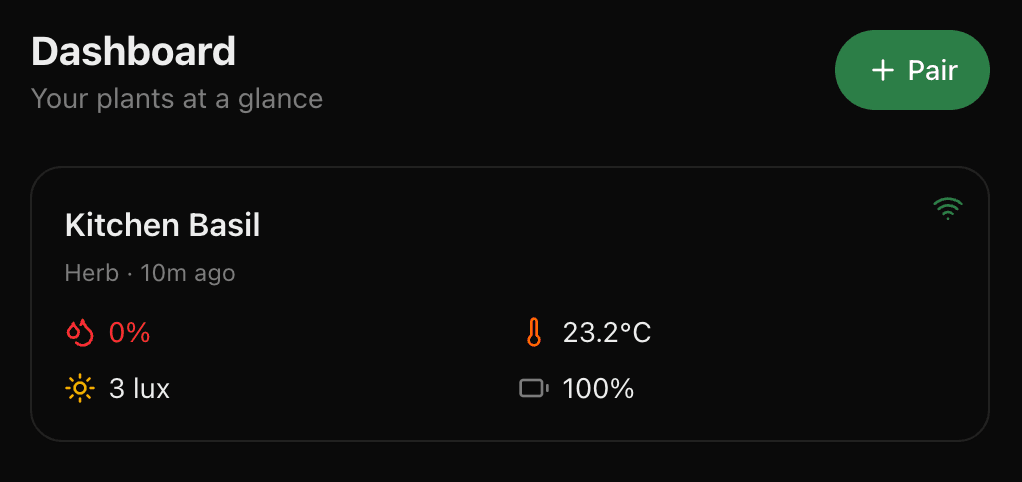
Once paired, your sensor will start reporting data within 15 minutes. Head to the dashboard to see soil moisture, temperature, humidity, and light levels in real time.
You're all set!
Your Sproutlink system is ready to go. Sign in to start monitoring your plants.
Sign In